Work Counter Icon

Work Counter

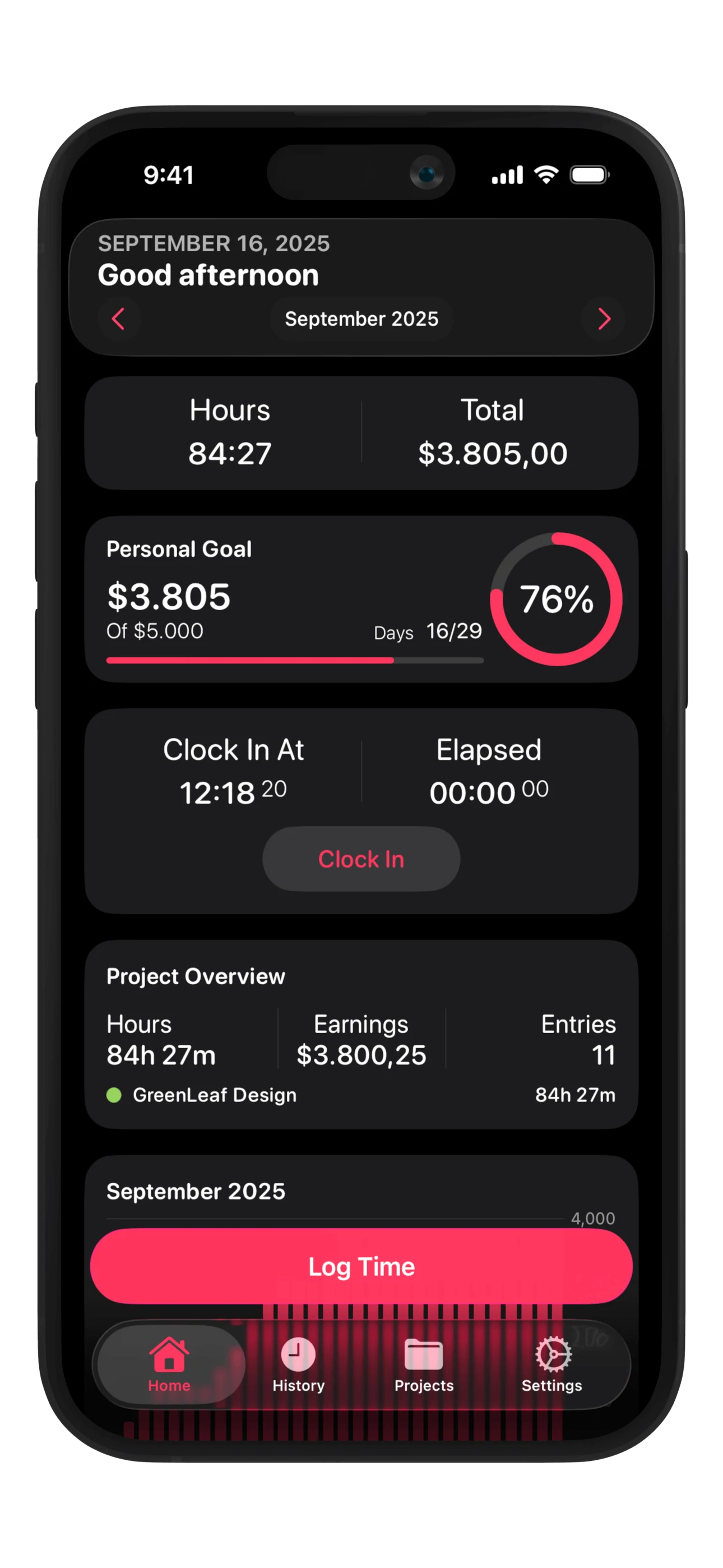
Effortlessly track your hours, overtime, travel expenses, and income. The ultimate time tracking app for freelancers, employees, and teams.

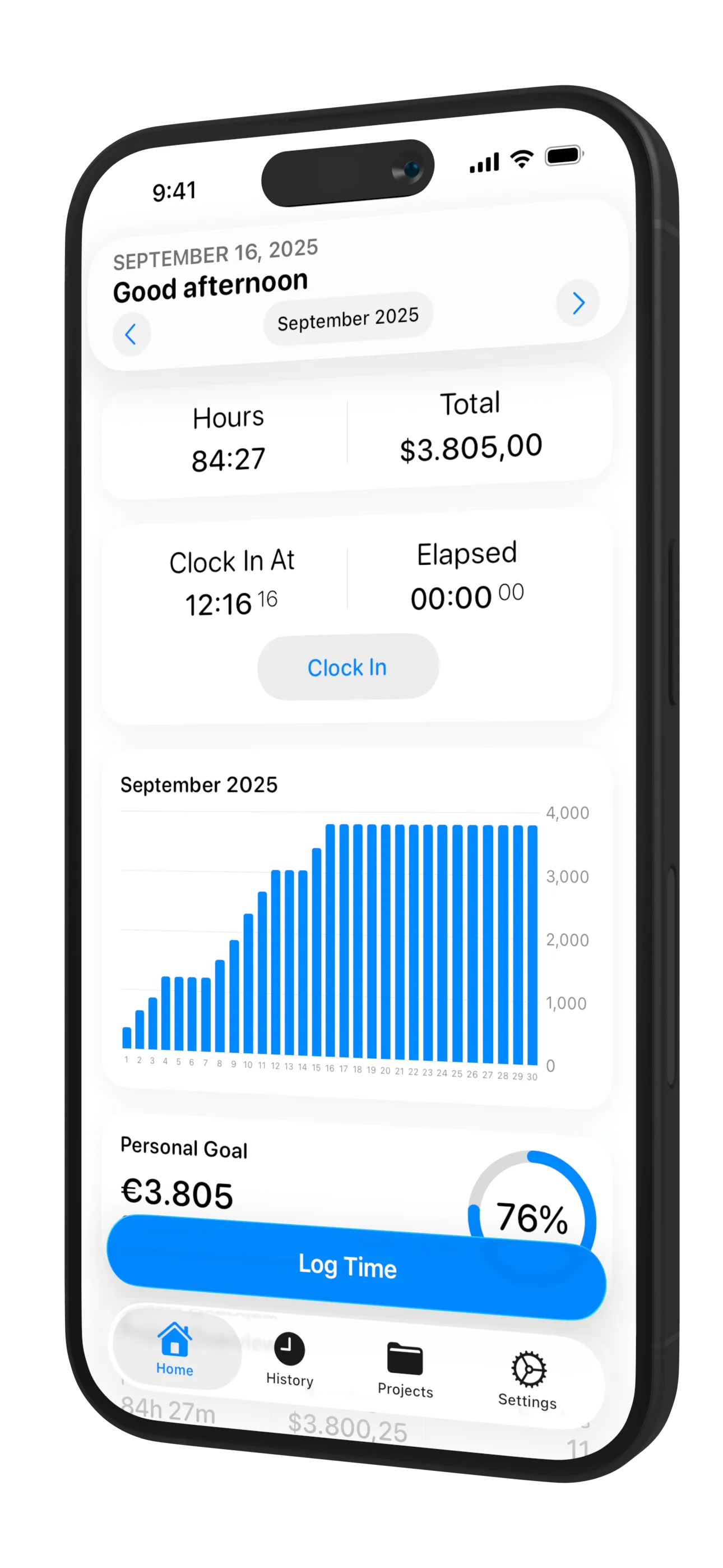
Work Counter app showing time tracking dashboard with work hours and earnings overview
10K+
Active Users
1M+
Hours Tracked
4.5★
App Store Rating
150+
Countries
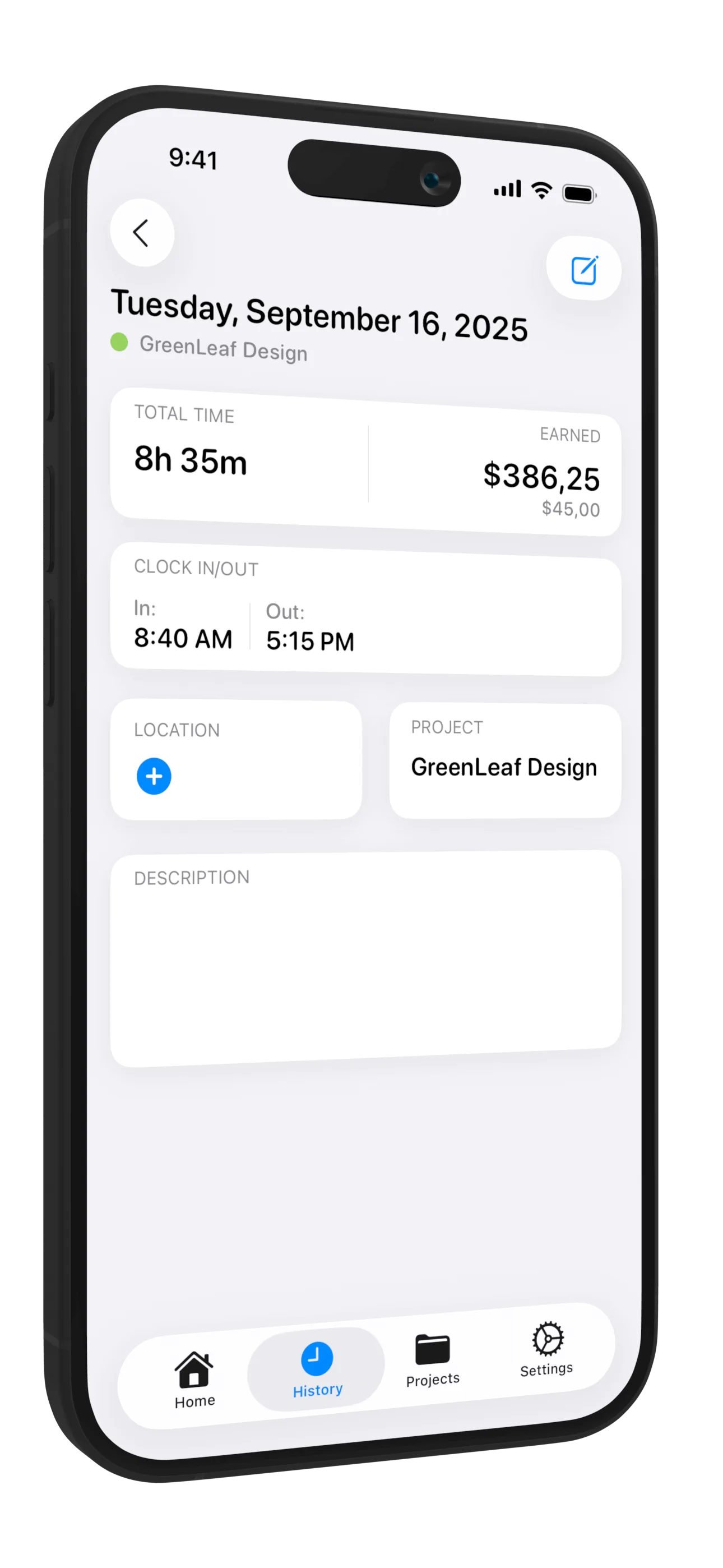
Work Counter time tracking screen with clock in/out and hours registration
Feature

Track Time Effortlessly

Clock in and out with a single tap, or add hours manually. Work Counter automatically calculates your work hours, overtime, and earnings.
Easy to use
Lightning fast
Work Counter features overview with checklist of capabilities
Features

Everything You Need

Powerful time tracking features

Quick clock in/out for instant tracking

Automatic overtime calculation

Track travel expenses by trip

Set custom hourly rates per day/week

Link hours to projects, tasks & clients

Export to PDF, CSV, and Excel
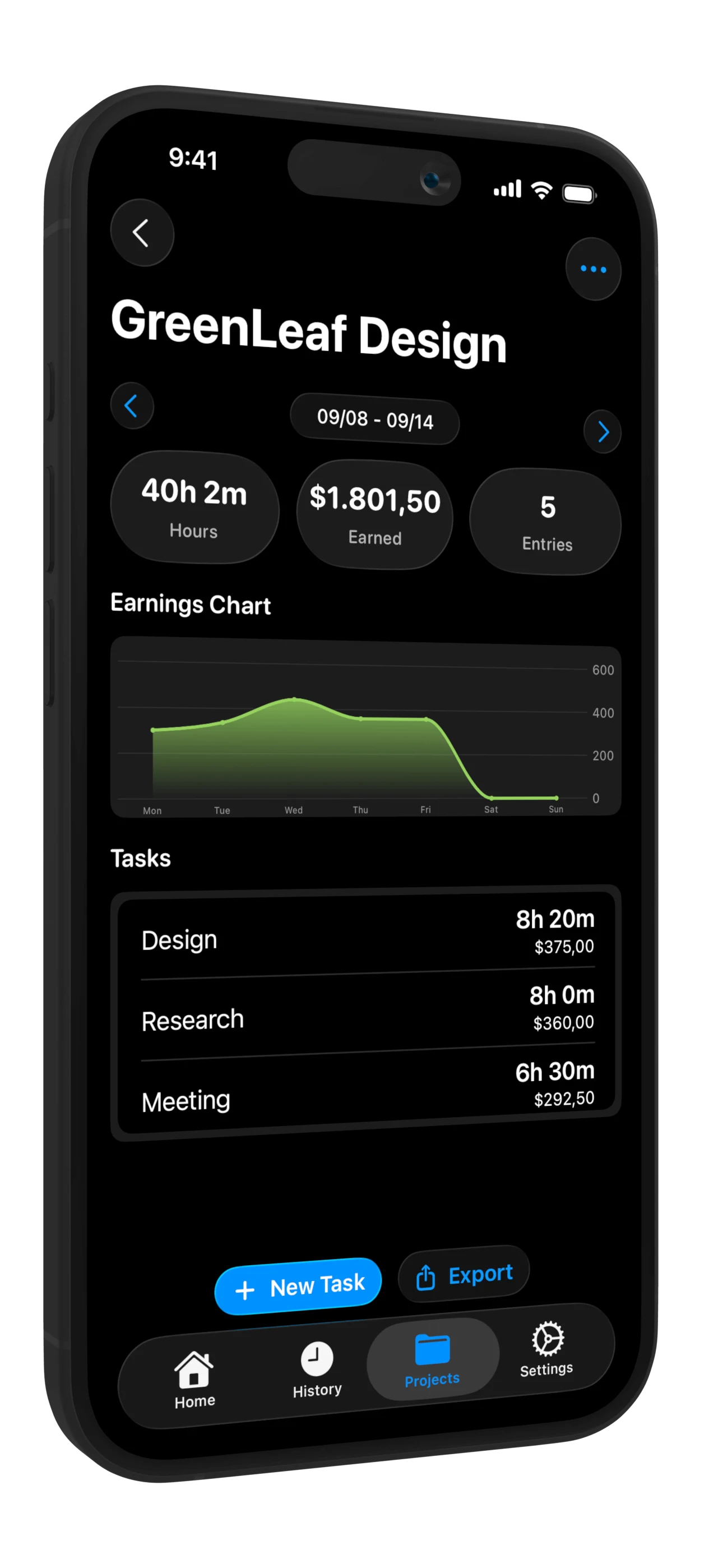
Work Counter project management screen with projects, tasks and clients overview

Organize Your Work by Projects

Create unlimited projects and tasks. Assign different hourly rates, track time per client, and keep everything organized for invoicing and accounting.

Multiple Projects

Organize work by client, project, task, location, and person

Flexible Rates

Set different hourly rates per project, day, or weekday

Income Tracking

Automatic earnings calculation based on hours and rates

Clear Overview of Your Work

View detailed summaries, charts, and statistics. Export your data for invoicing, accounting, payroll, or tax purposes.
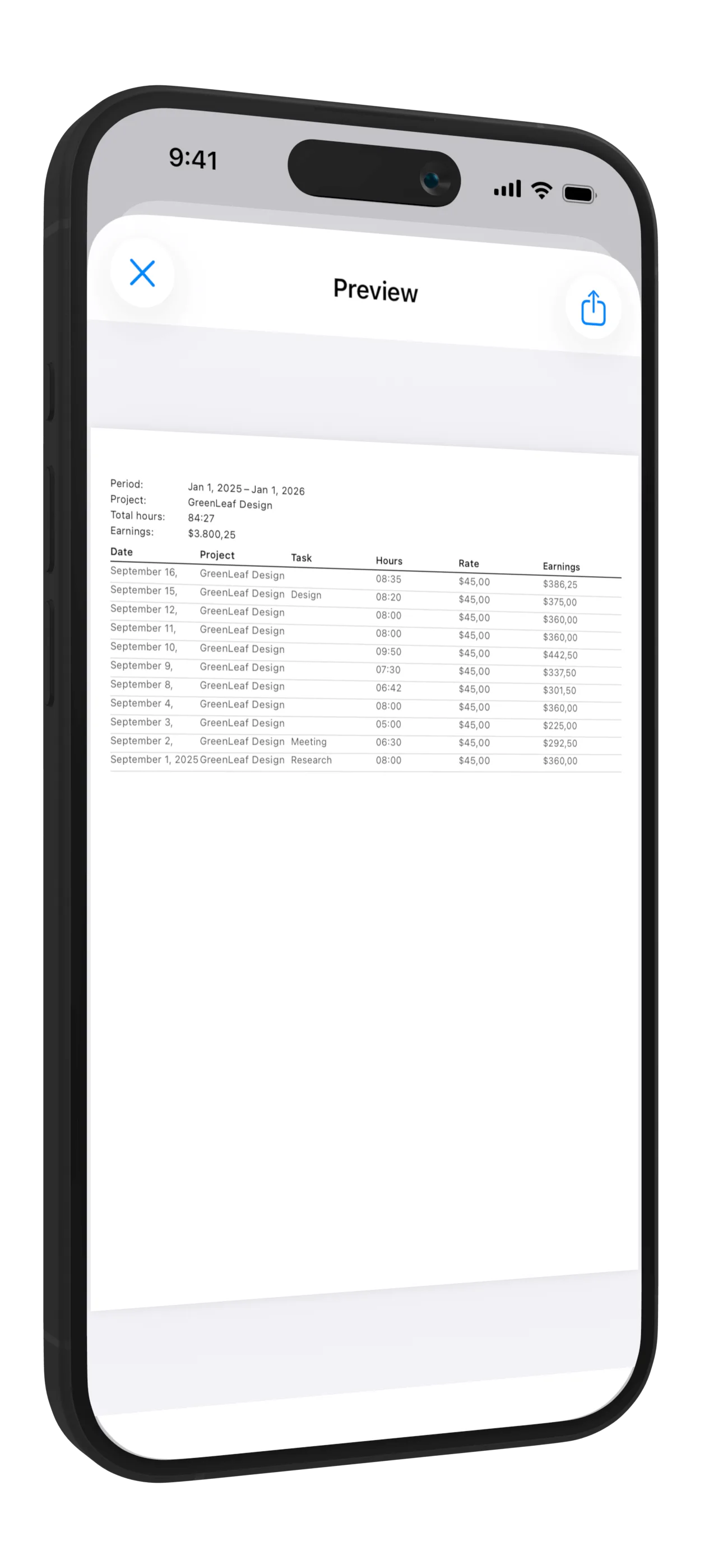
Work Counter reports and statistics with charts and export options

Charts & Statistics

Visualize your work hours and earnings with beautiful graphs

Export Reports

Export to PDF, CSV, and Excel for accounting and invoicing

Editable History

Easily correct and adjust your time entries anytime
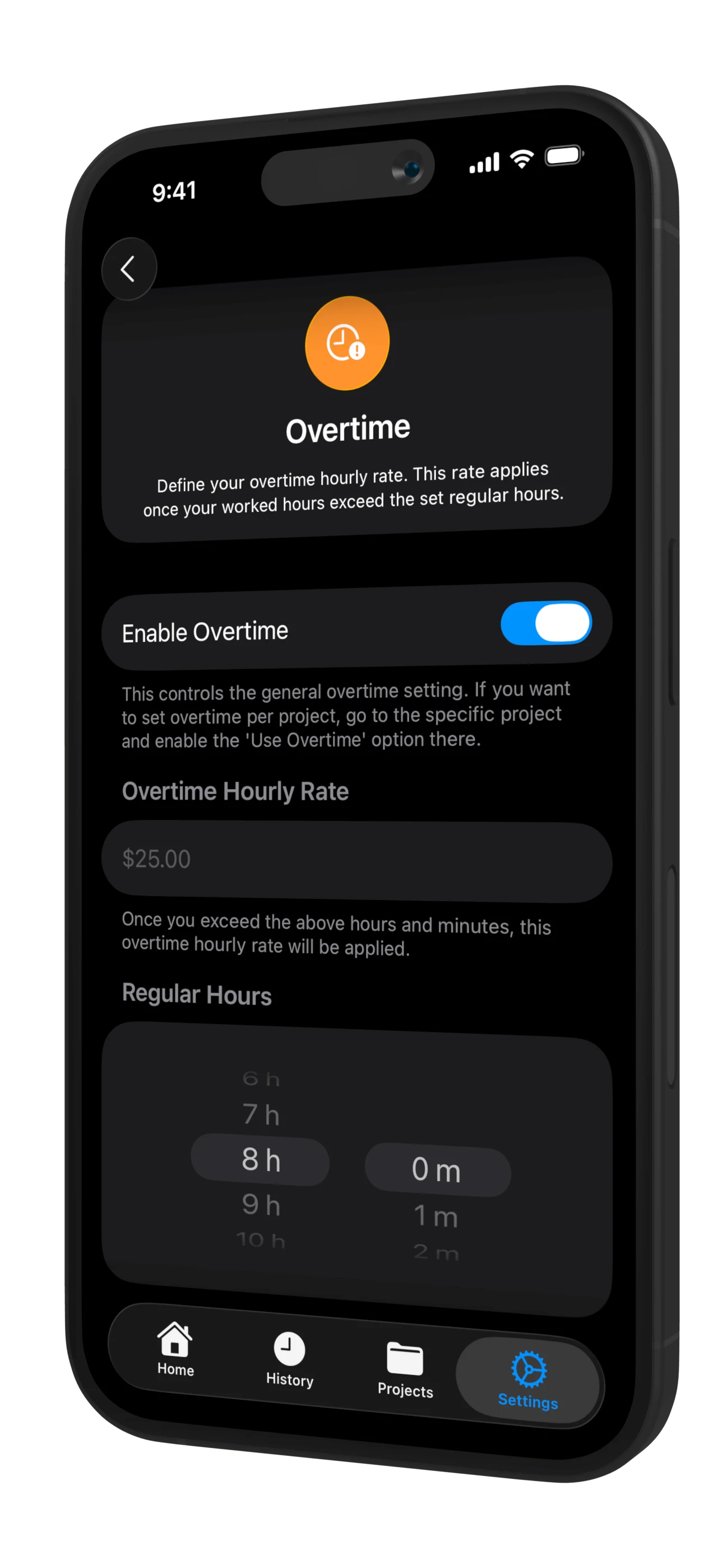
Work Counter overtime calculation screen with extra hours overview
Feature

Automatic Overtime Calculation

Work Counter automatically tracks your overtime hours and calculates overtime pay based on your configured rates. Never lose track of extra hours worked.

Easy to use
Lightning fast

Ready to get started?

Download Work Counter and take control of your time tracking today.

Frequently Asked Questions

Yes! Work Counter allows you to create unlimited projects, tasks, and clients. Each can have its own hourly rate and settings.
Work Counter automatically detects when you exceed your configured work hours and applies your overtime rate. You can customize overtime rules per project or globally.
Absolutely! Export your time entries to PDF, CSV, or Excel format for invoicing, accounting, payroll, or tax purposes.
Yes, Work Counter supports multiple users, making it perfect for teams and businesses that need to track time for different employees or team members.
Work Counter offers both a free version with core features and a premium version with advanced capabilities like unlimited projects, export options, and team features.